A calendar for iPhone
Type it like you'd say it.
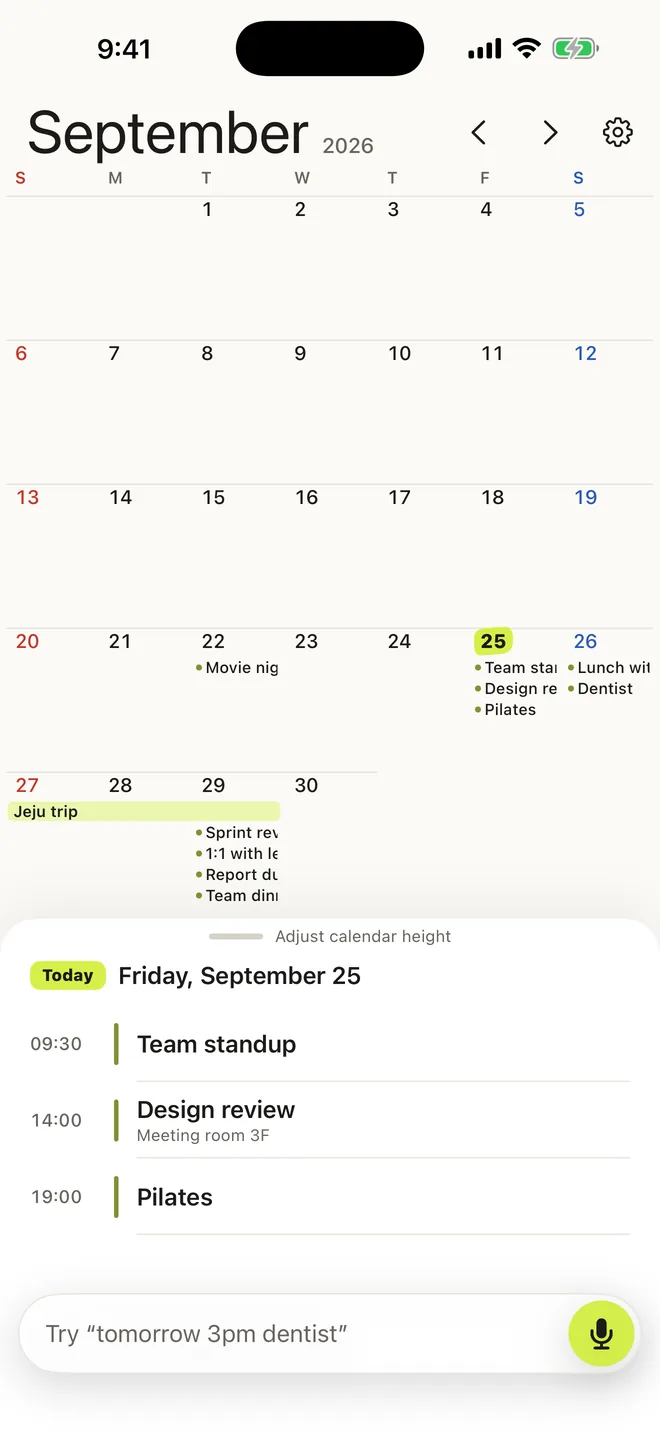
zerocal turns one sentence into a calendar event. Dates, times and repeats are understood as you type, and you see where the event lands before you add it. Talk instead of typing if you like — the same engine listens.
One sentence in, one event out.
The heart of zerocal is a natural-language engine built for the way people actually write plans — short, casual, and in a hurry.
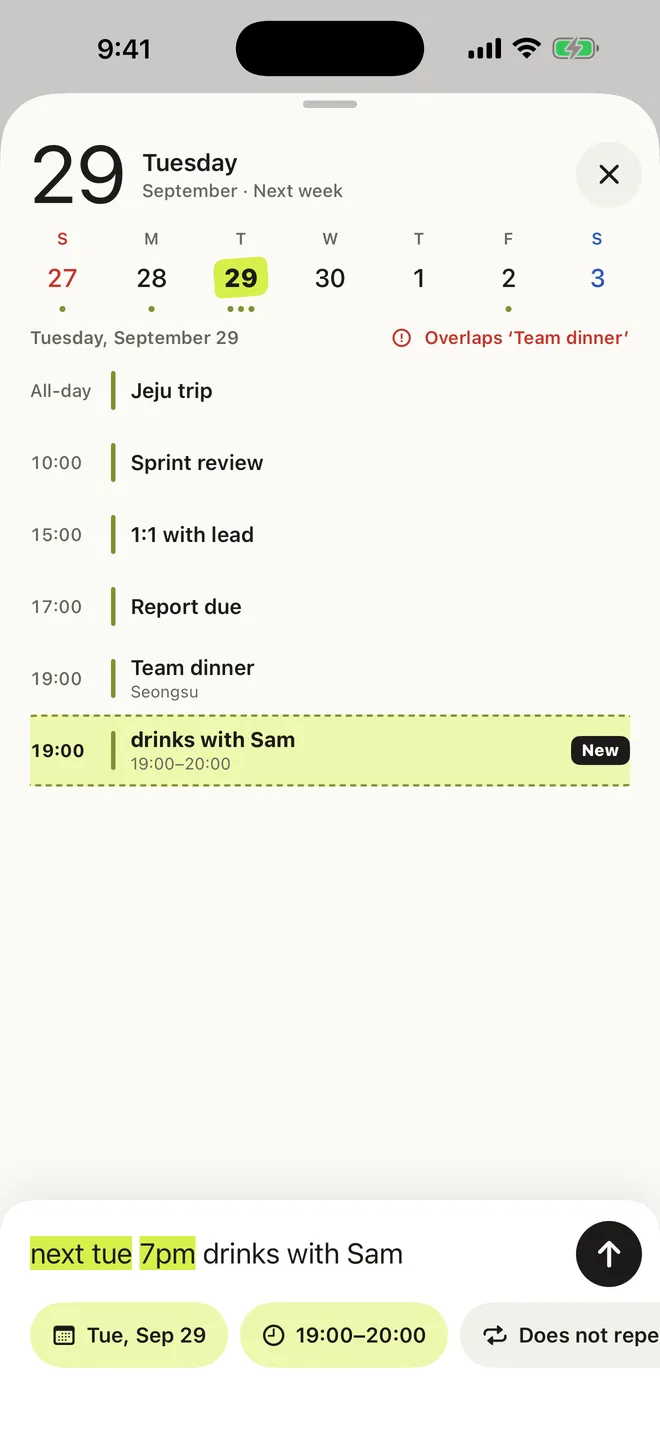
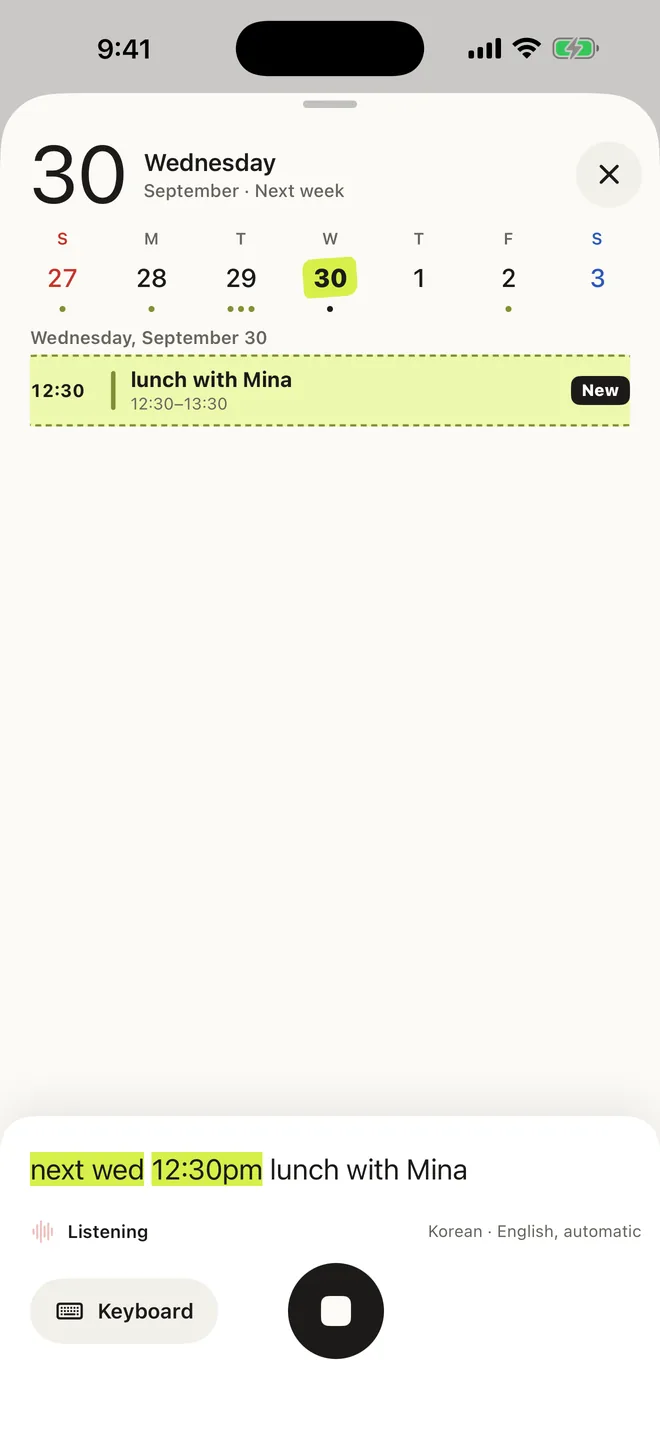
Write the way you talk
“tomorrow 3pm dentist”, “fri 7pm team dinner”, “every week 3pm standup”. Dates, times, ranges and repeats — in English or Korean.
Keep your calendars
Google, Outlook and iCloud calendars on your iPhone show up alongside your own events. Save new events straight to them, or keep them in zerocal.
Nothing leaves your phone
Sentences are understood on your iPhone. No account, no server, no ads, no analytics. zerocal collects no data.
- Home & Lock Screen widgets
- Drag events to another day
- Swipe to delete, tap to undo
- Seven highlighter colors
- Light & dark
- Holidays in red
- Locations with Maps
- .ics export
Free to start. Pro when you want more.
The everyday sentence-to-event experience is free, with no limits. Pro teaches the engine more and adds the extras.
Free
Download and use, no account
- Unlimited sentence-to-event, typed or spoken
- Highlighted recognition and overlap preview
- Month view, connected calendars, alerts
- Home Screen widget
Pro
Yearly, or once for life
- Repeats understood from the sentence — “every week 3pm”, “daily 8am”
- All widgets, including Lock Screen and Add by Voice
- Seven highlighter colors and three design styles
Coming to Pro next: paste a message and get every event in it, add from the share sheet, and Siri shortcuts.
No account. No server. No tracking.
Your events stay on your iPhone, or in the calendar you choose. zerocal has nothing to send anywhere.
Read the privacy policy